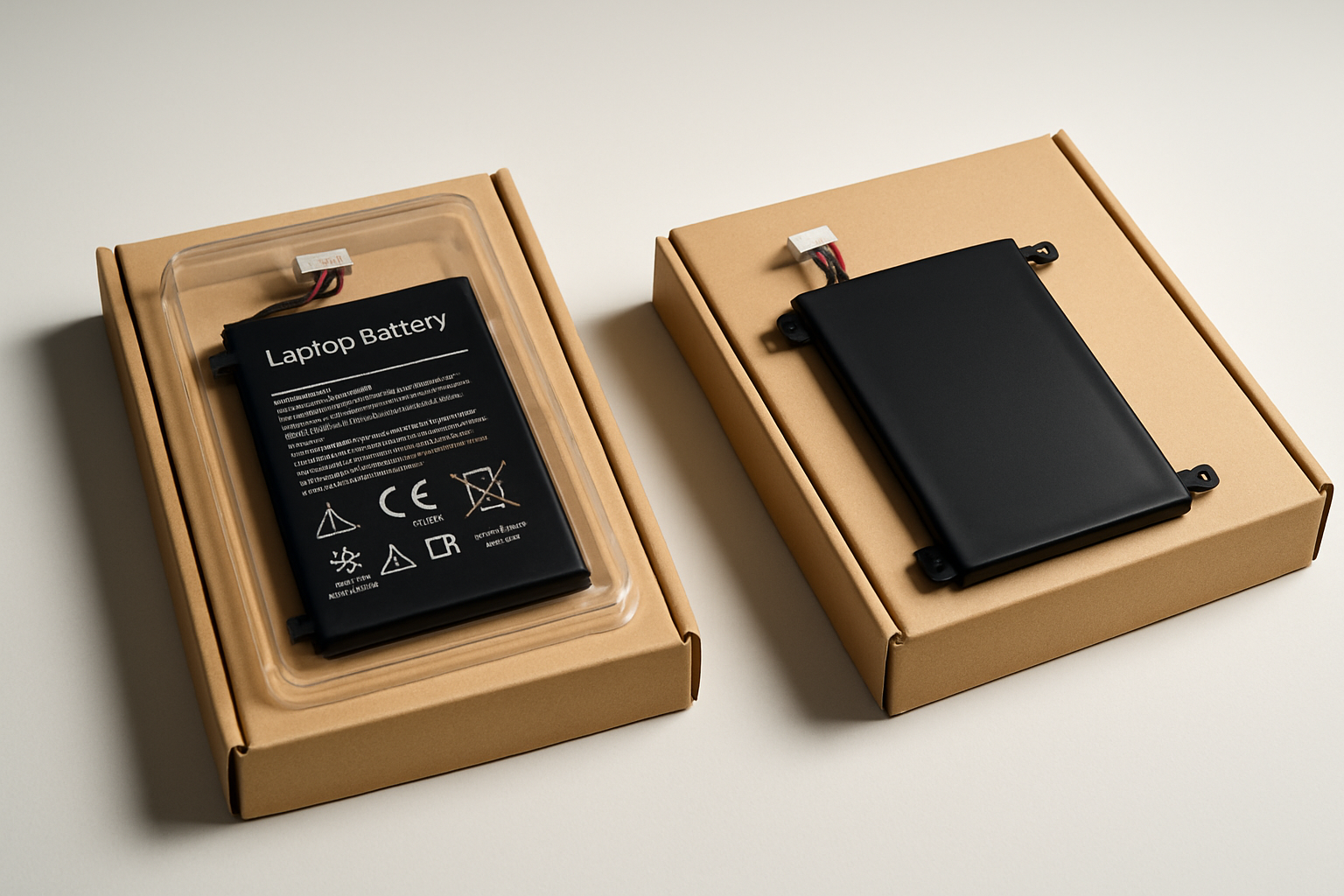
Every part page on every laptop-parts site labels the listing "Genuine OEM" or "Compatible". Both have real meaning, but they don't mean what most people assume. After twenty years of buying parts from both lanes, here is where the line actually is for each category.
What "OEM" actually means
"OEM" stands for Original Equipment Manufacturer. In practice it means one of three things:
- True OEM: the exact part the laptop maker installed at the factory, in the original packaging.
- OEM pull / used OEM: the exact same part pulled from another working laptop (refurb / parts harvest).
- OEM-equivalent: built on the same assembly line, same components, same tolerances — but in unbranded packaging because the factory makes more units than the laptop maker ordered.
All three are functionally identical inside the laptop. The difference is mostly the box and the warranty paperwork.
What "Compatible" actually means
"Compatible" means built by a third-party manufacturer (usually in China or Taiwan) to match the original's specs and form factor. The quality range is wide. Some compatibles are nearly indistinguishable from OEM; some are dangerously cheap. The category includes everything from "factory in Shenzhen using the same cells as Dell" to "knockoff with no QA whatsoever".
By part category — where to spend, where to save
Screens — OEM matters here
LCD panels come from a small handful of factories (LG Display, AUO, BOE, Samsung Display, Innolux) regardless of which laptop brand they end up in. An "OEM" 15.6" 1080p panel is one of these factories' panels, exactly the model your laptop shipped with. Compatibles often substitute a different factory's panel — same size and resolution, but different gamut, brightness, and viewing angles. Pay the extra $15-$30 for OEM here unless your laptop is a secondary machine.
Batteries — compatible is fine IF the cells are Samsung / LG / Panasonic
Battery cells are a commodity. A high-quality compatible battery uses the same Samsung SDI / LG Chem / Panasonic cells as the OEM pack. The differences are in the protection circuit (PCB) and case fit. We avoid generic compatibles with unbranded cells — they're often "B-grade" rejects that fail in 6-12 months. Look for listings that name the cell brand.
OEM batteries cost 30-50 percent more than good compatibles and last about 10 percent longer. Honest tradeoff — compatibles are fine for most users.
Keyboards — compatible is usually fine
Keyboard assembly is mature manufacturing — the molds and membranes are the same. Compatibles can have slightly different key feel (slightly mushier, slightly louder) but functionally identical typing. The exception: backlit keyboards where the LED brightness and color match the laptop's design language matter. There OEM sometimes looks noticeably better.
AC adapters — buy OEM or a name brand
This is the one category where we strongly recommend NOT going generic. A cheap compatible adapter can deliver clean voltage on a multimeter and still kill a motherboard 6 months later because the ripple under load is terrible. OEM adapters are well-engineered around their target laptop's power needs. Reputable third parties (Targus, Anker, certain Lenovo / HP "universal" adapters) are fine. The $9 no-name on the marketplace is not.
Motherboards — almost always pulled / refurb
True new-in-box motherboards for older laptops haven't been made in years. Every "OEM motherboard" listing is a board pulled from another laptop, tested, and re-shipped. Compatible / generic motherboards don't really exist at the laptop level. Buy from sellers who actually test before shipping (look for "tested working" + a return window).
Cooling fans, hinges, cables — compatible is fine
These are dumb mechanical parts. As long as the form factor matches your model, compatibles work fine. The OEM price premium isn't justified except on flagship workstation laptops where a specific high-RPM fan profile matters.
HDDs / SSDs / RAM — go modern, not "OEM"
Storage and memory are not laptop-specific. The "OEM" 320 GB HDD your laptop shipped with in 2014 is a worse drive than a brand new 240 GB SSD in 2026. Buy the modern part from a reputable brand (Samsung, Crucial, Western Digital, Kingston) — don't search for the OEM part number.
The summary
Pay for OEM on: screens, AC adapters, primary work-machine batteries.
Compatible is fine for: keyboards, fans, hinges, cables, secondary-machine batteries (provided the cells are name-brand).
Buy modern for: storage and RAM — skip the OEM categories entirely.
On our part pages we list both options where available and label them clearly so you can decide where to spend. Search your model to compare for your specific laptop.